Quick answer: run sudo ss -tulnp. It lists every TCP and UDP port that is listening on your Debian machine, the address it is bound to and the program that owns it. ss is part of the iproute2 package that a standard Debian 13 or Debian 12 install already includes, so...
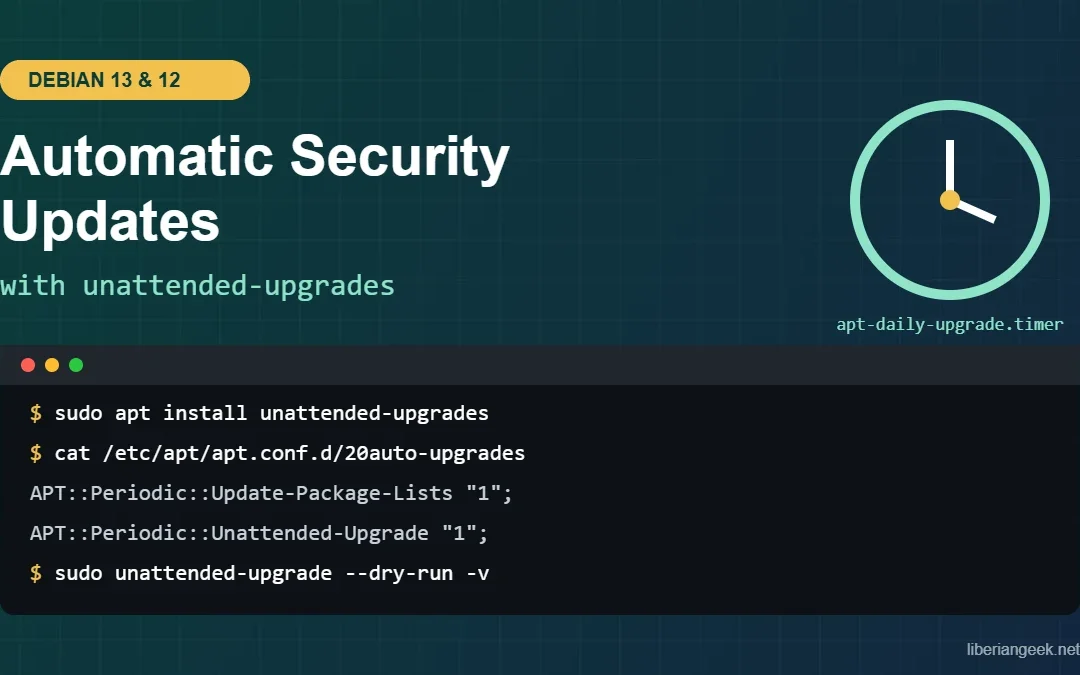
Quick answer: On Debian 13 (Trixie) and Debian 12 (Bookworm), install the unattended-upgrades package. On a normal non-interactive install it turns itself on by writing /etc/apt/apt.conf.d/20auto-upgrades with both values set to “1”. Debian’s default...
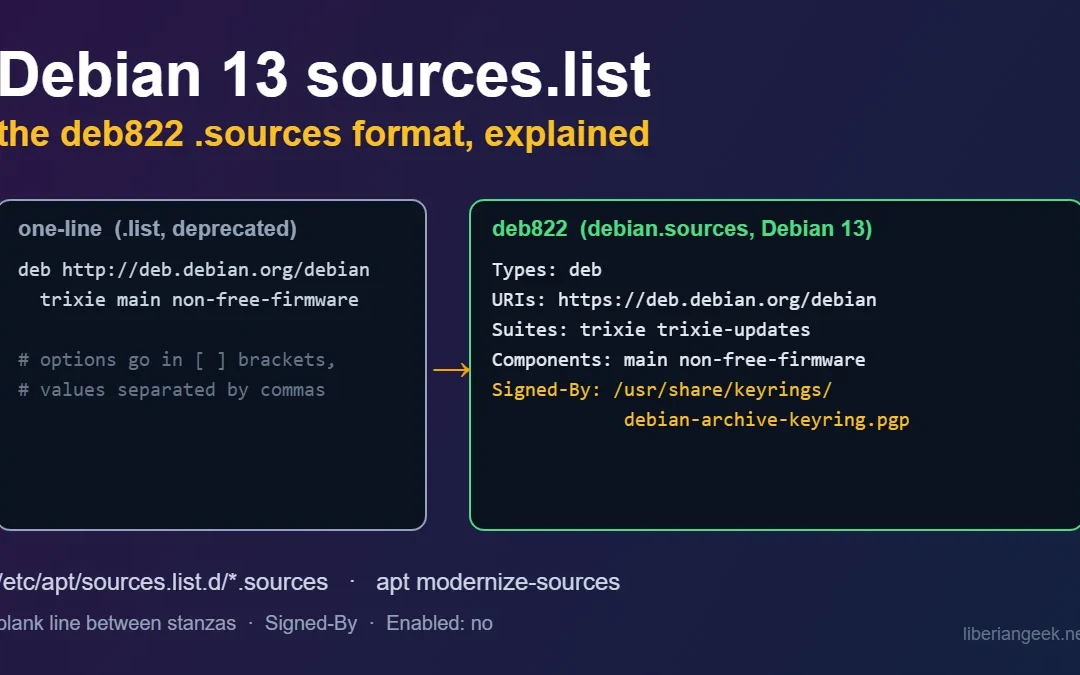
On Debian 13 (Trixie), APT repositories are configured in the deb822 format: one or more files ending in .sources under /etc/apt/sources.list.d/, with each repository written as a block of Field: value lines. The old one-line format in /etc/apt/sources.list still...
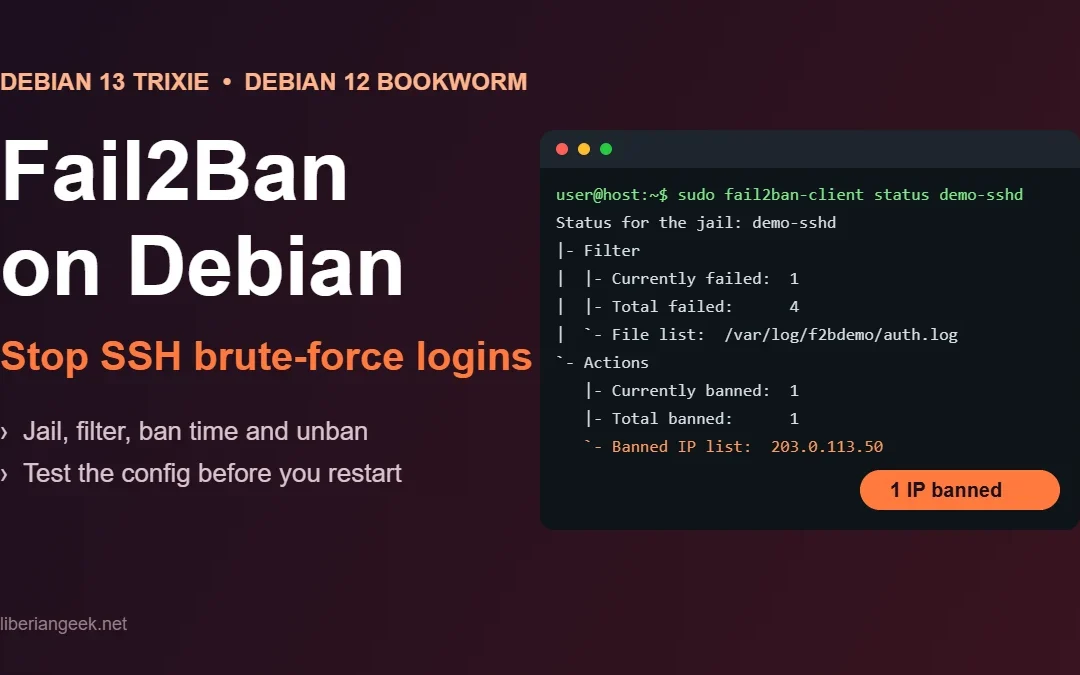
Fail2Ban watches your SSH logins and bans an IP address in the firewall after too many failed attempts. On Debian 13 (Trixie) and Debian 12 (Bookworm) you install it with sudo apt install fail2ban, put your own settings in a file under /etc/fail2ban/jail.d/ instead of...
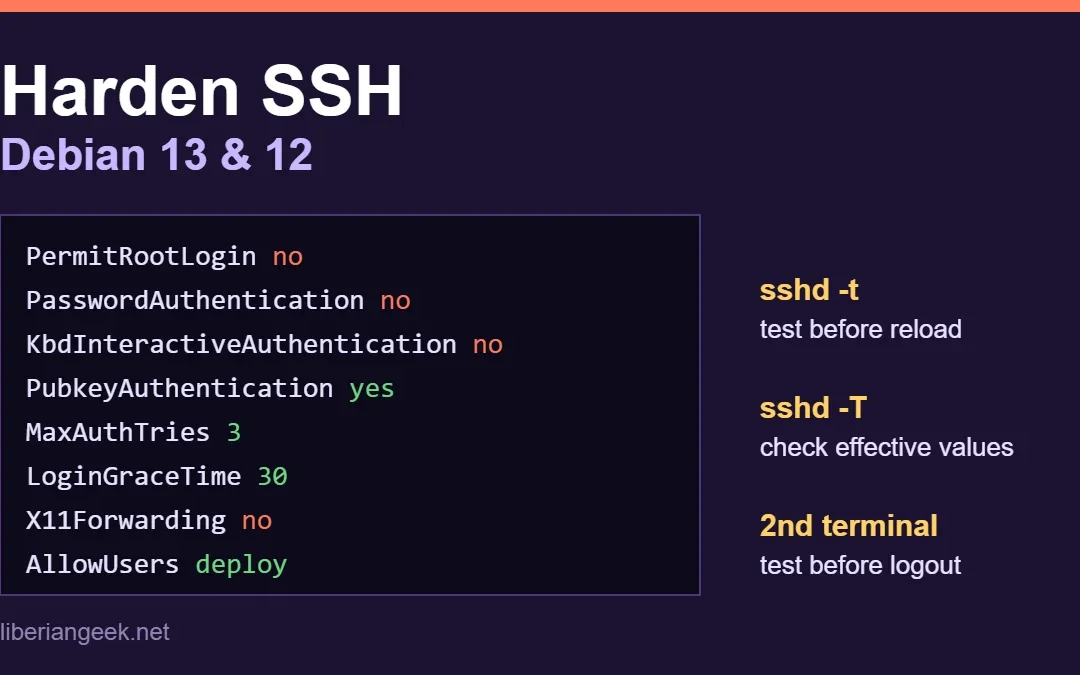
To harden SSH on Debian 13 (Trixie) or Debian 12 (Bookworm), put your settings in a drop-in file under /etc/ssh/sshd_config.d/: turn off root login and password logins, allow only the users who need access, and lower the login limits. Then check the syntax with sudo...