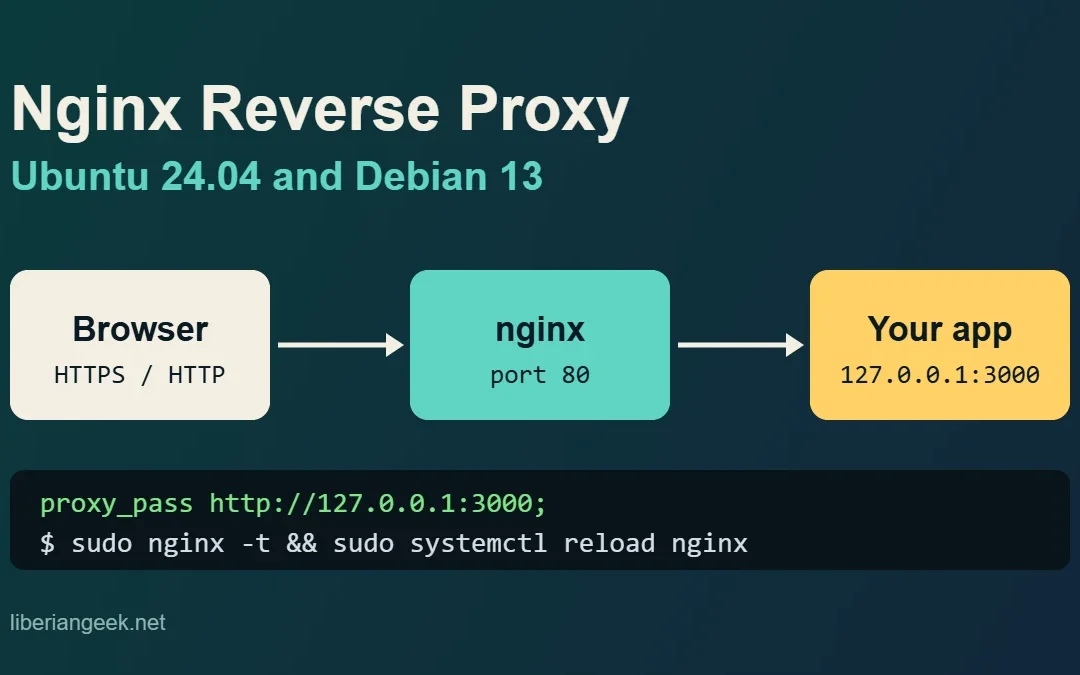
Quick answer: install nginx, create a server block in /etc/nginx/sites-available/ with proxy_pass http://127.0.0.1:3000; plus the Host and X-Forwarded-* headers, enable it with a symlink, run sudo nginx -t, then reload nginx. Everything below was run on Ubuntu 24.04...
Quick answer: on Ubuntu 24.04, run sudo apt install phpmyadmin on a server that already has Apache, MariaDB and PHP. Answer Yes to the dbconfig-common question and tick apache2 with the Space bar. Then open http://your-server/phpmyadmin/. You cannot log in as root on...
DSM 7.4 can send email alerts to notify you about system events such as failed drives, low storage, temperature warnings, or unauthorized login attempts. Setting up email notifications requires linking DSM to an SMTP provider such as Gmail, Outlook, or your own...
Windows File Explorer can connect directly to your Synology NAS shared folders over the local network using the SMB protocol for file access. Once connected, you can drag and drop files between your PC and the NAS just like copying files between two folders on the...
DSM 7.4 includes two complementary monitoring features: widgets for quick desktop overviews and Resource Monitor for detailed real-time performance tracking. Widgets show live data panels directly on the desktop without opening a full app, while Resource Monitor...
The Personal Settings menu in DSM 7.4 lets each user customize their account, display preferences, and email delivery options independently from other users. Access it by clicking the user icon in the top-right quick access bar on the DSM desktop and selecting...