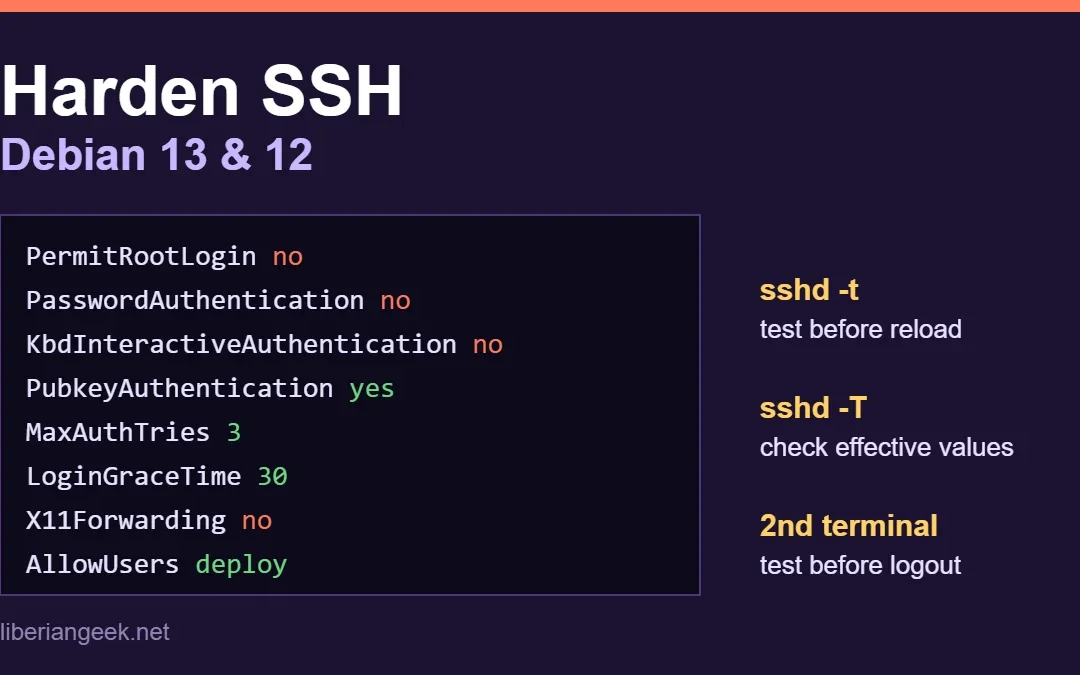
To harden SSH on Debian 13 (Trixie) or Debian 12 (Bookworm), put your settings in a drop-in file under /etc/ssh/sshd_config.d/: turn off root login and password logins, allow only the users who need access, and lower the login limits. Then check the syntax with sudo...
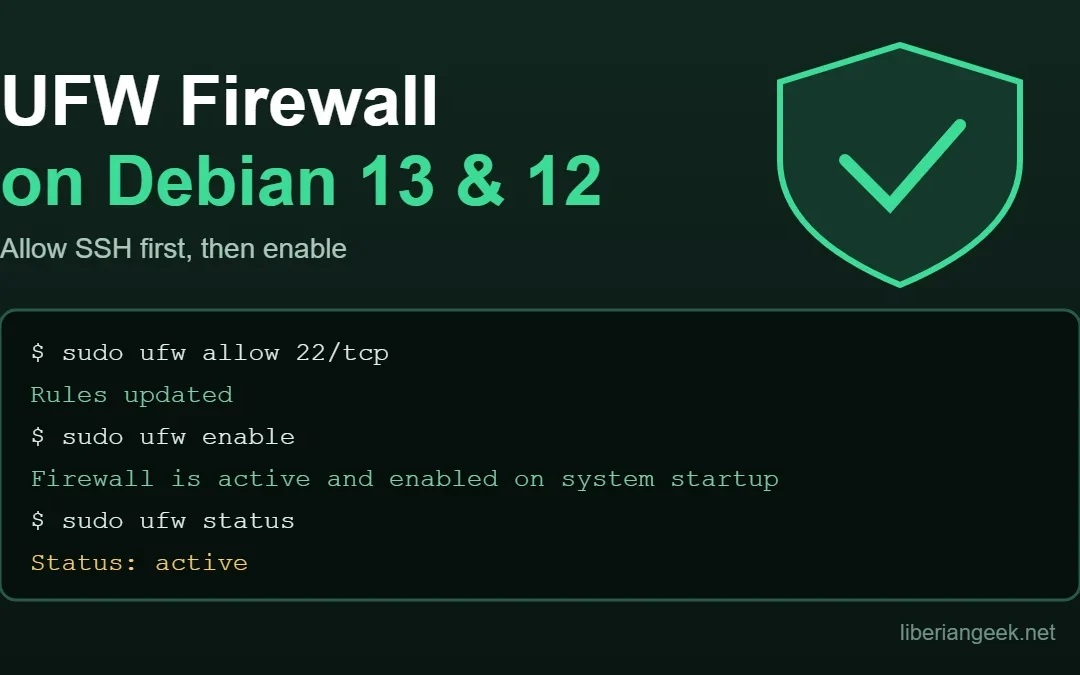
Quick answer: UFW (Uncomplicated Firewall) is a front end for the Linux packet filter that lets you open and close ports with short commands. On Debian 13 (Trixie) and Debian 12 (Bookworm) the safe order is: install it, allow SSH first, allow the other services you...
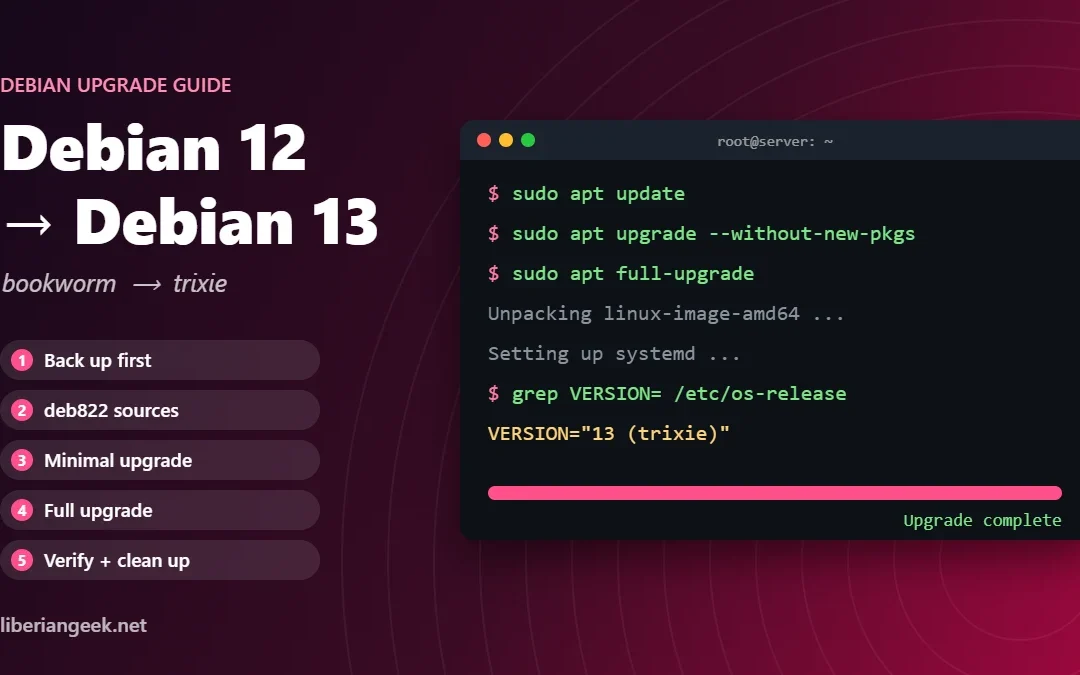
Debian 12 “Bookworm” left regular security support on 12 July 2026. It now gets Long Term Support until 30 June 2028, but LTS covers fewer packages and fewer architectures, and the Debian project itself encourages users to move to Debian 13...
DSM 7.4 can send email alerts to notify you about system events such as failed drives, low storage, temperature warnings, or unauthorized login attempts. Setting up email notifications requires linking DSM to an SMTP provider such as Gmail, Outlook, or your own...
Windows File Explorer can connect directly to your Synology NAS shared folders over the local network using the SMB protocol for file access. Once connected, you can drag and drop files between your PC and the NAS just like copying files between two folders on the...
DSM 7.4 includes two complementary monitoring features: widgets for quick desktop overviews and Resource Monitor for detailed real-time performance tracking. Widgets show live data panels directly on the desktop without opening a full app, while Resource Monitor...
The Personal Settings menu in DSM 7.4 lets each user customize their account, display preferences, and email delivery options independently from other users. Access it by clicking the user icon in the top-right quick access bar on the DSM desktop and selecting...
The Synology Download Center provides firmware, drivers, user manuals, and desktop utilities for every Synology product in one centralized location. Synology Assistant is a desktop utility that lets you find, connect to, and manage your Synology NAS directly from your...
You can log in to your Synology NAS through a browser using its IP address or via the Synology Web Assistant at find.synology.com on the same network. For shutdown, DSM has a software option in the user menu, and the physical power button on the device also supports a...
After setting up a Synology NAS and creating a storage pool, you land on the DSM 7.4 desktop where most of your management tasks take place. DSM 7.4 has a minimal, browser-based desktop layout designed around quick access to apps, notifications, and system settings...