Your graphics card (GPU) handles all visual rendering in Windows 10 — knowing which one you have is essential for installing the right drivers and checking game or software compatibility. Windows 10 includes several built-in tools to identify your GPU. This guide...
Changing the administrator on Windows grants a user account elevated privileges — allowing software installation, system configuration, and management of other accounts. You can change the administrator via the Windows Settings app, the Control Panel, or the Command...
A “Hostname” or “Computer Name” is the identifier of your system inside a computer fnetwork. It distinguishes your system from another system and on a single network, there can be devices with duplicate hostnames. You need a “Hostname” to identify, locate, and connect...
Ever felt that your command line (Windows PowerShell & Command Prompt) is too messy and there’s too much information for you to process? Well! This can be irritating for some users. However, nothing to worry about, you can clear your command line screen via the...
Did you know you can recover your data after deleting it (even from the Recycle Bin)? This is a bit concerning, especially if you want to change your device. By default, the Windows OS creates whitespace on the locations where the data is stored on the disk, and until...
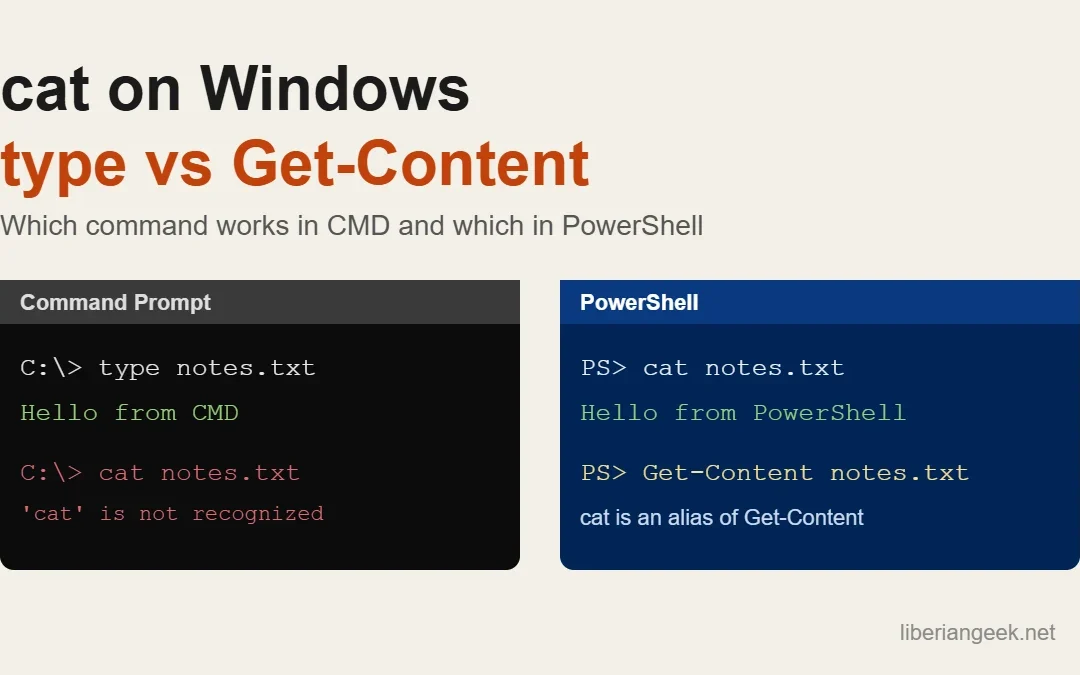
Quick answer: in PowerShell, cat file.txt works as-is, because cat is a built-in alias for the Get-Content cmdlet. In Command Prompt (cmd.exe) there is no cat; use type file.txt instead. Both print a text file to the screen, and both can combine several files into...