

All tutorials
Every Liberian Geek guide, newest first. Browse by topic from the menu, or search for the task you need.
1,384 guides · page 6

Install Slack on Ubuntu 24.04: Snap, Deb or Flatpak
The quickest way to install Slack on Ubuntu 24.04 is sudo snap install slack, which is also what the App Center installs. Slack also offers a .deb download from its website, and Flathub carries Slack as com.slack.Slack for Flatpak users. Pick one method only; two...Install Skype on Ubuntu 24.04: deb, Snap, Flatpak, and App Center
Skype is a feature-rich communication app for voice and video calls, screen sharing, and instant messaging. It is cross-platform and runs natively on Ubuntu 24.04. For team-based messaging rather than personal calls, you can also install Slack on Ubuntu 24.04. Quick...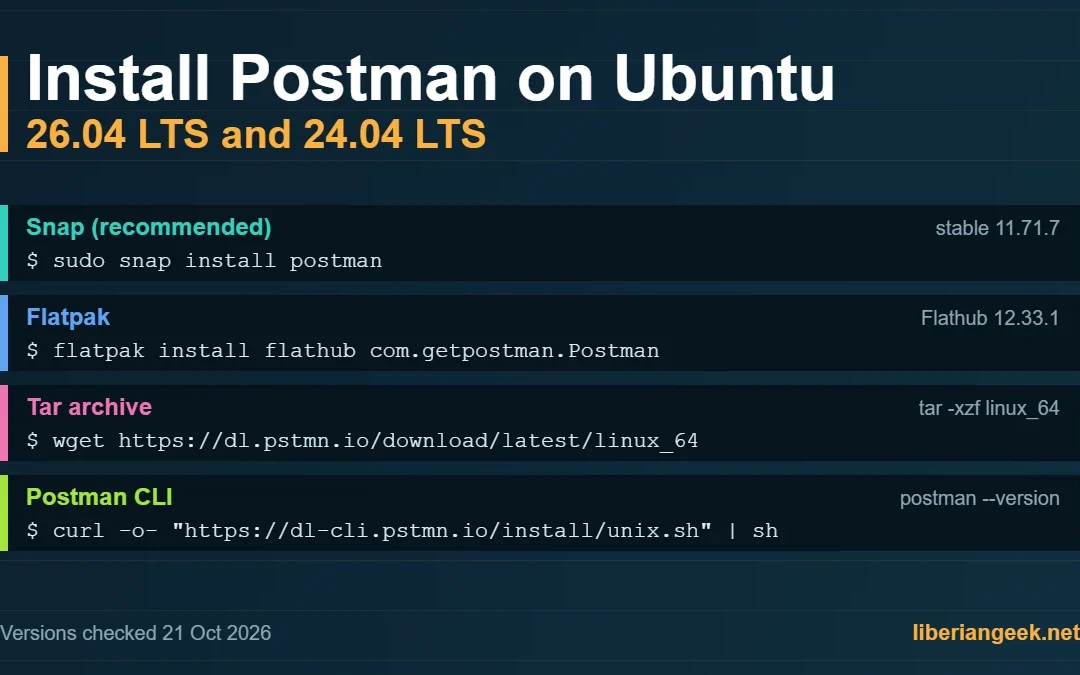
Install Postman on Ubuntu 26.04 and 24.04 for API Testing
Postman is an API client for building, sending and testing HTTP requests. On Ubuntu 26.04 LTS and 24.04 LTS the simplest route is the Snap package that Postman recommends in its own documentation: sudo snap install postman. This guide also covers Flatpak, the tar...Install Java on Ubuntu 24.04: APT, deb File, and tar Package
Java is one of the most widely used programming languages, integrated into web, desktop, and mobile apps. To run Java applications on Ubuntu 24.04, you need the JRE (Java Runtime Environment), which is included in the JDK (Java Development Kit). You can use OpenJDK...How to Install and Configure Nginx on Debian
Nginx is an open-source web server designed for high-concurrency workloads — it can handle over 10,000 simultaneous connections and is widely used as both a web server and a reverse proxy in front of application servers such as Node.js on Debian 12. This guide covers...
Install Google Chrome on Ubuntu 26.04 and 24.04
Among all internet browsers, Google Chrome has the highest market share across all platforms. Its key features include fast browsing speeds, seamless Google account integration, and a large extension ecosystem. Google Chrome is not in Ubuntu’s default...How to Install Git on Ubuntu 24.04
Git is a distributed version control system that tracks changes to code, files, and project directories across any platform including Ubuntu. It pairs naturally with an editor such as Visual Studio Code on Ubuntu 24.04, which has Git integration built in. Ubuntu 24.04...Install Chromium on Ubuntu 24.04: Snap, APT, Flatpak, and App Center
The Chromium browser is developed and maintained by Google. It has almost the same features as Google Chrome on Ubuntu 24.04 but does not send usage data back to Google. It also supports extensions, making it a solid privacy-friendly alternative for Ubuntu 24.04...